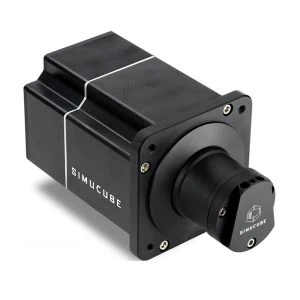
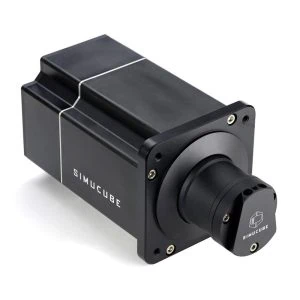
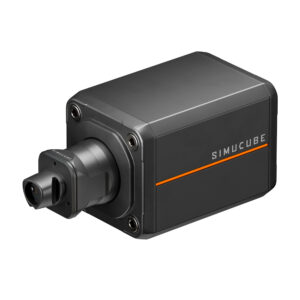
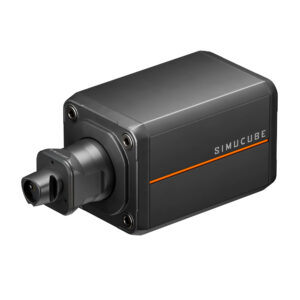
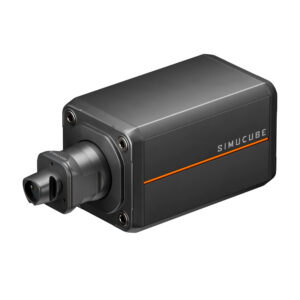
There are moments in the history of sim racing when the tectonic plates of our hobby shift. When Granite Devices from Finland – the brains behind the Simucube brand – announce a new base, the entire scene holds its breath. Since 2019, the Simucube 2 has sat unchallenged on the throne of direct drive bases. It was the proverbial "final boss", the gold standard for reliability, industrial manufacturing quality and precision. But now the Simucube 3 is a reality, and this launch was unlike anything we've seen from Finland before. It was louder, more technically radical and – let's be honest – more controversial.
We at SimUltimate have put the base through its paces, analyzed the technical architecture, and closely observed the initial launch issues. Is the Simucube 3 the new messiah of force feedback, or does it make a needlessly worse version of an already perfect product? We pit the legend against the challenger.
A Question of Philosophy: The System vs. the Standalone Solution
To understand the true difference between the second and third generation, a quick glance at the newton-meter figures on the spec sheet is not enough. You have to understand that Simucube is undergoing a fundamental shift here. The Simucube 2 was a masterpiece of isolation. It was a base that connected to the PC via USB, and that was it. Everything else on the rig – pedals, shifters, or handbrakes – ran separately to the computer. The result was often a confusing tangle of cables with USB hubs, potential grounding issues, and software conflicts from different manufacturers. The Simucube 3 breaks radically with this tradition and pursues a holistic approach. It is no longer just a standalone motor, but the centerpiece of the new Link platform. The concept behind it is centralized networking via the new Simucube Link Hub. A single, galvanically isolated cable leads to the PC, and the base, the ActivePedals, and future accessories all connect to this hub. The stated goal is to combine the reliability of a closed system with the modularity of an open one. We see here a clear attempt to move away from typical DIY solutions toward an industrial standard for the home cockpit, where driver conflicts and USB bandwidth issues become a thing of the past.
Comparison Table
| Feature |
Simucube 2 (SC2) |
Simucube 3 (SC3) |
What this means for you |
| Models |
Sport / Pro / Ultimate |
Sport / Pro / Ultimate |
Same tiers, new generation |
| Release Date |
June 2019 |
Sport & Pro: November 2025, Ultimate: 2026 |
Simucube 3 is the newer wheelbase |
| Design & Manufacturing |
Designed in Finland, manufactured in the EU |
Designed in Finland, manufactured in the EU |
Same proven quality and manufacturing |
| Energy Efficiency |
Standard |
Sport & Pro: Standard, Ultimate: Lower power consumption |
SC3 Sport & Pro: Same proven tech as SC2, SC3 Ultimate: More efficient |
| Mounting Options |
Front-mount only |
Front- or bottom-mount |
SC3 fits more easily into various rigs |
| Weight |
8.0–11.3 kg |
8.7–13.0 kg |
Slightly more substantial build |
| Peak Torque |
17 / 25 / 32 Nm |
15 / 25 / 35 Nm |
Similar range, more refined output |
| Motor & Feel |
Proven SPM motor |
Sport & Pro: Proven SPM motor, Ultimate: New, more efficient Spoke-IPM motor |
SC3 Sport & Pro: Same proven tech as SC2, SC3 Ultimate: More detail with less noise |
| Control Algorithm |
Standard firmware |
Individually calibrated algorithm |
Smoother, more precise feedback |
| Force Feedback Character |
Strong and clean |
Natural, quiet, and lively |
Feels more true-to-life and refined |
| Telemetry Effects |
Not available |
Yes – road, ABS, cornering, and RPM effects |
More realism through data-based sensations |
| Quick Release System |
Simucube Quick Release |
Simucube Link Quick Release |
Faster swap, wireless power and data transfer |
| PC Connection |
USB 2.0 |
Simucube Link Hub (Ethernet) |
Central hub, fewer USB connections |
| Software |
Simucube Tuner 2.5+ |
Simucube Tuner 3.0+ |
Unified control for all devices |
| Control Device |
Premium Torque Off Button |
New Control Box |
Adjust torque and damping mid-race |
| On-the-Fly Adjustments |
Torque only |
Torque, damping, and feel |
Fine-tune instantly while driving |
| Display Feedback |
None |
On-screen overlay |
See live settings and feedback |
| Wireless Wheels |
Integrated BLE receiver |
Via Simucube Link Hub |
Same support, now centralized |
| Link Wheels |
Not supported |
Native Link Wheels (from 2026) |
Plug-and-play, no cables needed |
| USB Wheels |
Direct connection to PC |
Direct connection to PC |
Full compatibility is maintained |
| Button Plates |
Wireless button plates |
Via Link Hub |
Works seamlessly with the Link setup |
| Support |
Ongoing software updates and RMA service |
Full support and Link platform expansion |
Both are supported long-term |
The Radical Cut: LightBridge Instead of USB Passthrough
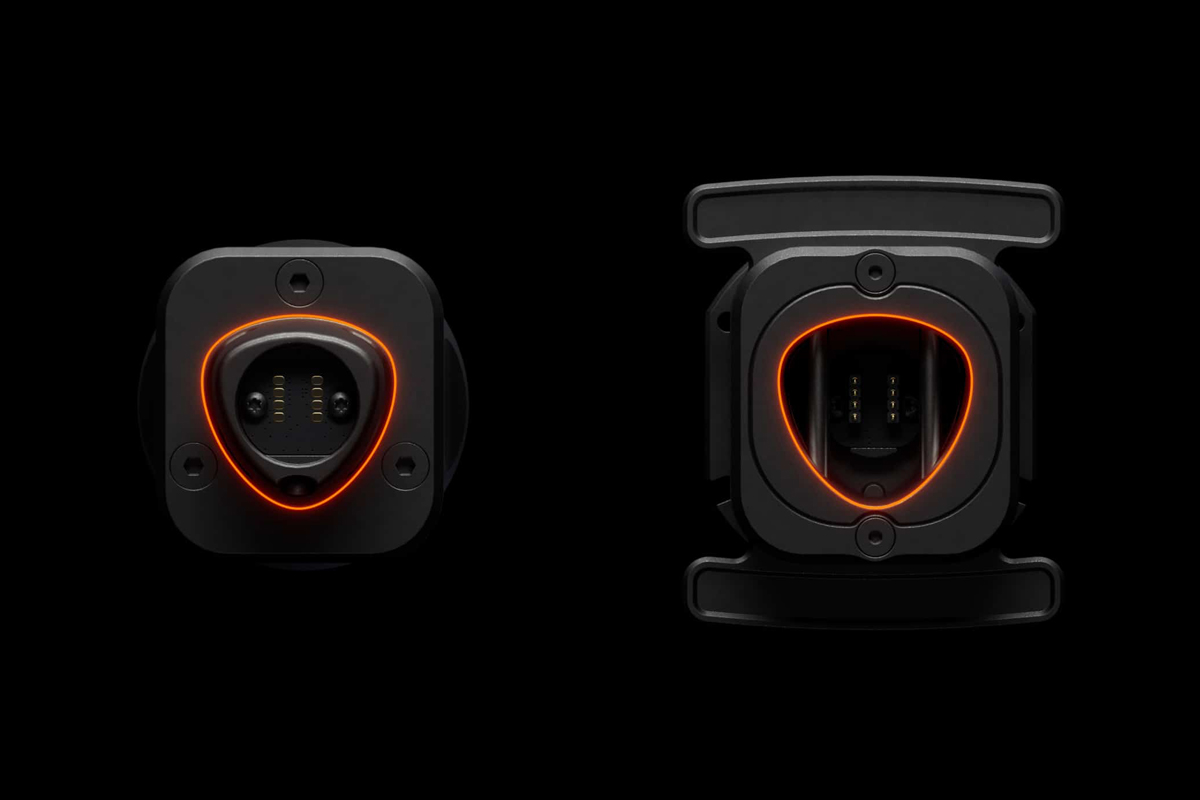
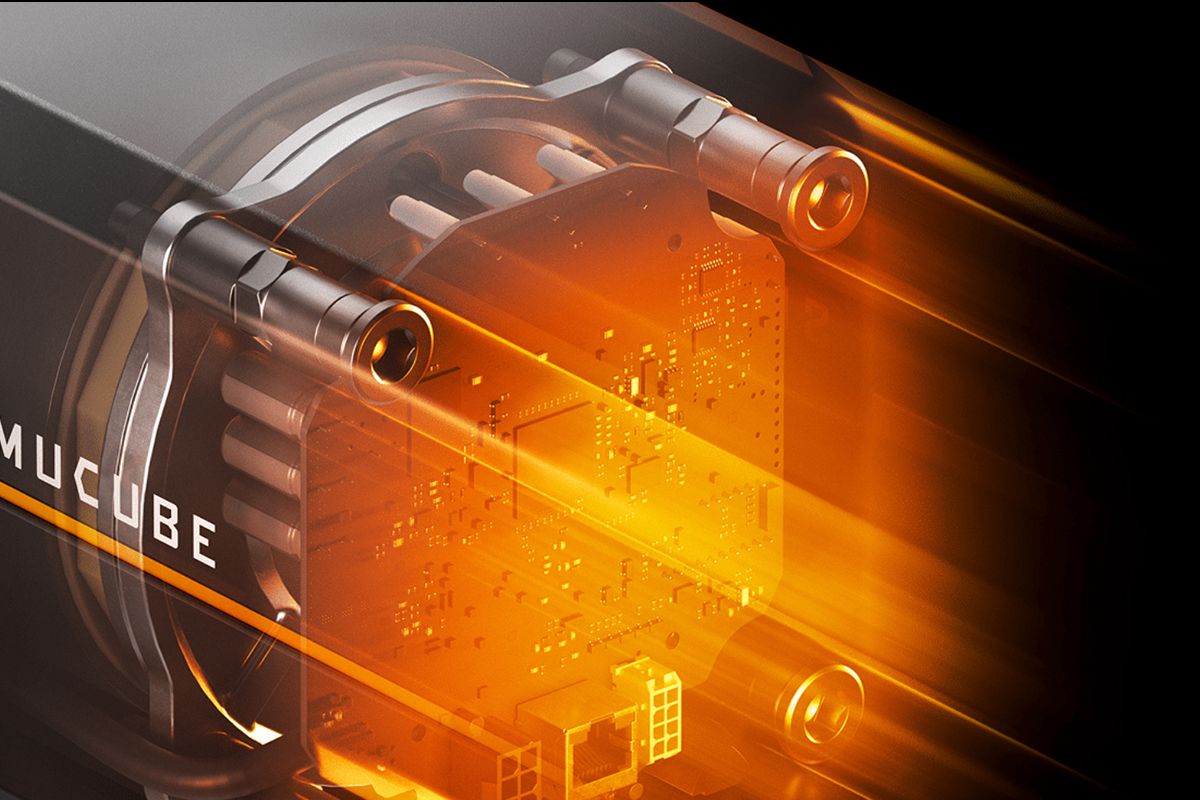
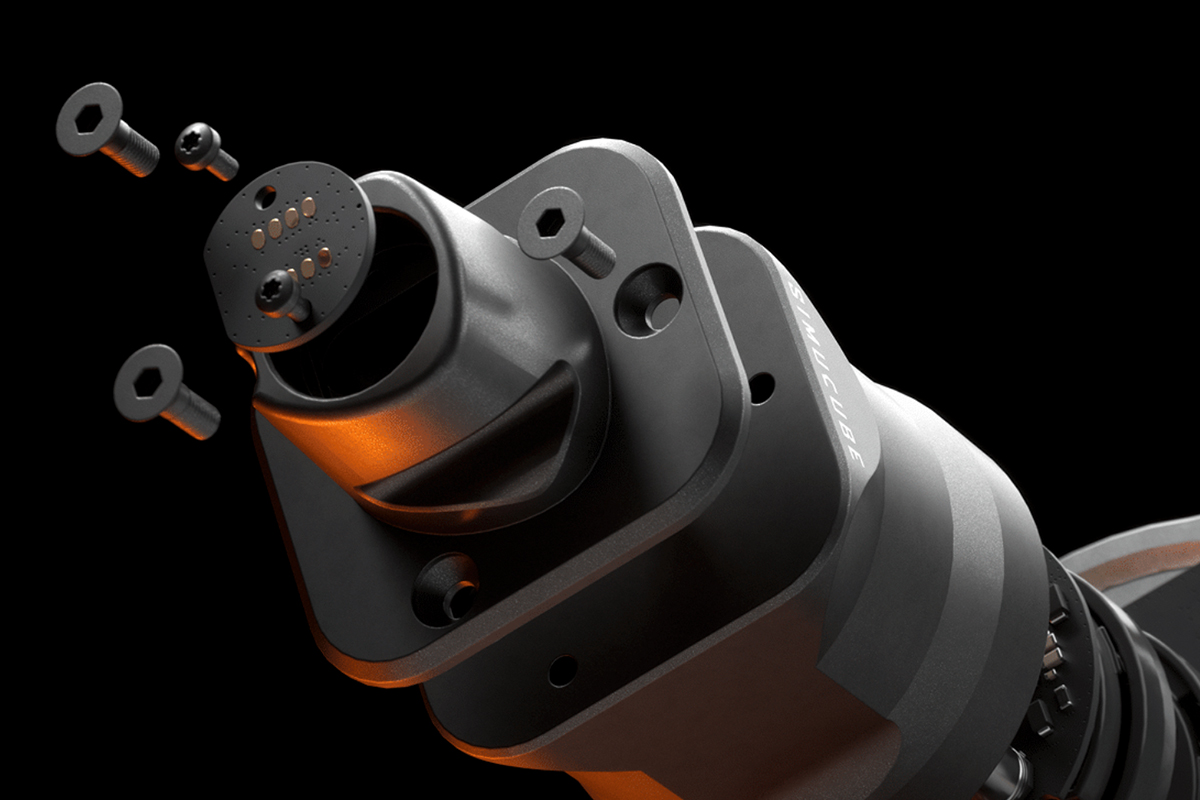
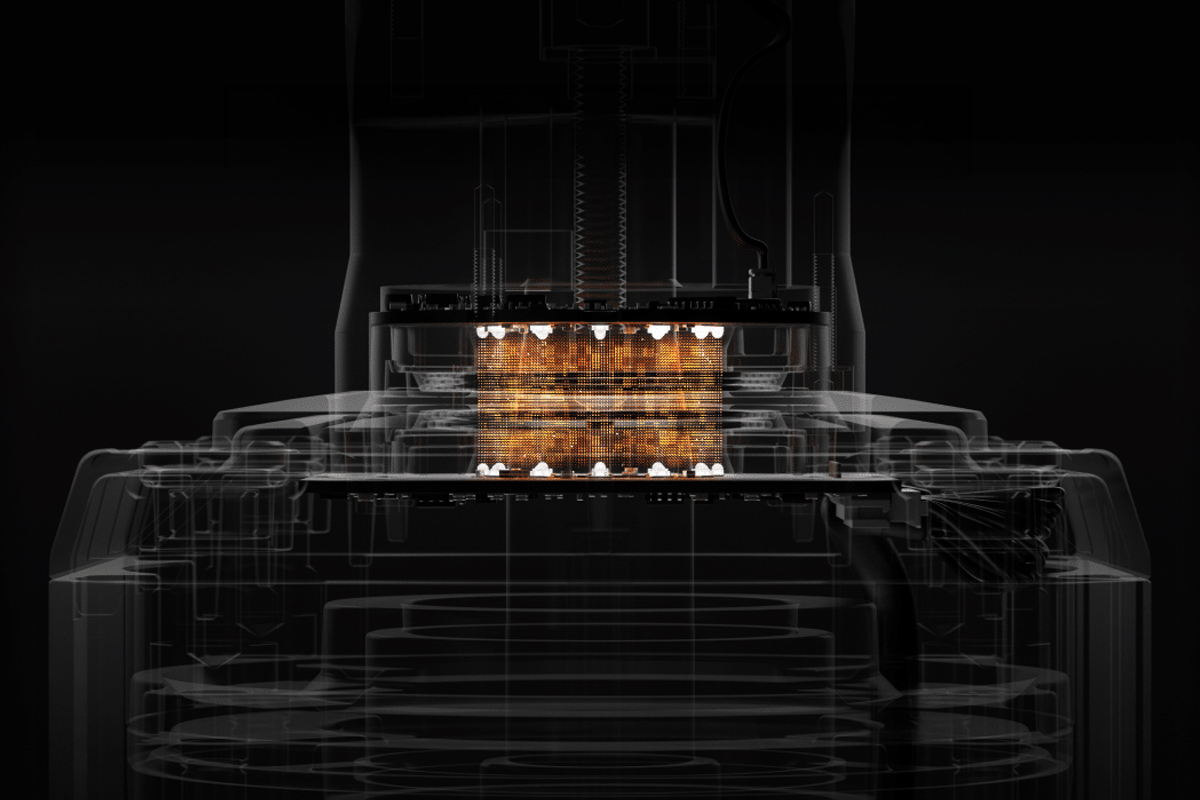
This is where things get technical – and for many sim racers, emotional – because the connection method has changed drastically. The Simucube 2 used a proprietary Bluetooth-based wireless protocol for wireless steering wheels that was solid but limited in bandwidth, which is why displays could not be driven. The Simucube 3 now introduces the Link Quick Release with so-called LightBridge technology. Power and data are transmitted contactlessly via light and induction. This means there are no more pogo pins that could wear out, and no physical connectors that could loosen under the extreme vibrations of a direct drive. The advantage is clear: you can now run a high-end steering wheel with a display without a single cable leading to the base or PC. The wheel snaps in magnetically, self-centers, and is immediately online. However, this innovation comes with controversy, as Simucube has removed USB passthrough – the routing of USB signals through the steering column. The reasoning lies in longevity, since USB over mechanical slip rings is simply not one hundred percent reliable for professional use over many years. The consequence is noticeable if you already own a collection of older USB steering wheels. You can still use them, but you’ll need to route the USB cable externally to the PC as before, or wrap it around the steering column. The Simucube 3 doesn’t render old wheels unusable, but it doesn’t integrate them into its new wireless world either – which can be a hard cut for owners of large wheel collections.

Teething Problems and Quick Fixes
We don’t want to sugarcoat anything here, because the launch of the Simucube 3 was anything but smooth at first – and we noticed this in our own testing. Early units saw reports of a metallic knocking during force feedback under rapid load changes, severe EMI issues causing connection dropouts, and software bugs where the base incorrectly switched into a safety mode and dampened the signal. But it was precisely in this crisis that the manufacturer showed its true character. The response was unprecedentedly fast and transparent. Within just a few days, firmware updates rolled out that eliminated the knocking and resolved issues with the new Control Box. The EMI problems were also analyzed and often traced back to external factors such as faulty power supplies, with immediate hardware replacement offered. Our long-term tests now show a completely stable picture. This confirms our view at SimUltimate that you’re not just buying hardware here, but also one of the best support services in the industry – one that doesn’t wait problems out, but actively solves them.
The Driving Feel: When Telemetry Meets Physics
But how does the new flagship feel on track? The Simucube 2 was already extremely smooth and precise with its SPM motor. The Simucube 3, especially in the Ultimate variant with the new, more efficient IPM motor, feels even more direct and responsive. The real game changer, however, are the new telemetry effects. Simucube draws on the knowledge they gathered with the ActivePedals here. The base interprets telemetry data from the game – such as from iRacing or Le Mans Ultimate – and blends effects into the force feedback that were previously absent. This isn’t about gimmicky rumbling, but about high-resolution information. You feel the road texture, the G‑forces in corners, and the working of the ABS or engine vibrations directly in the rim. This information is based on real data, not just the physics of the steering column. You sense grip loss earlier and more clearly, which – combined with the absolute silence of the base (the faint coil whine of its predecessor has completely disappeared) – creates immersion at an entirely new level.
Dual Mounting – Finally
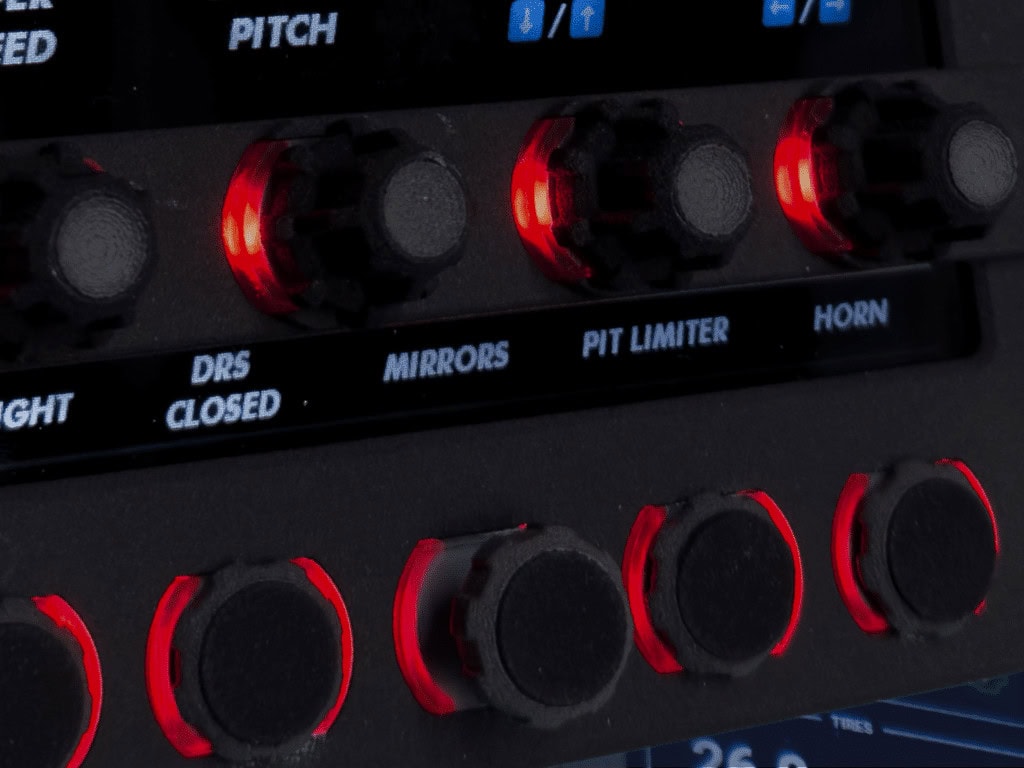
A major criticism of the Simucube 2 was always its mounting, as it could only be attached via front-mount. Anyone with a rig featuring a flat base plate – a so-called wheel deck – had to purchase expensive adapters. The Simucube 3 finally brings the long-awaited flexibility with dual mounting. You can continue to bolt it on classically from the front, or thanks to integrated T‑nuts, mount it directly from below onto the rig. Add to that the new Control Box, which replaces the old emergency stop button. It allows you to adjust parameters such as force feedback, damping, and filters via a rotary dial while driving, with the values shown in an overlay on the monitor. These are quality-of-life improvements that make an enormous difference in day-to-day racing.
The Decision
Are you now facing the choice between generations? If you already own a Simucube 2 Pro or Ultimate, you can sit back and relax. Your base is still absolute world class, will be supported for years to come, and drives beautifully. In our view, upgrading is only worthwhile if you absolutely want that single cable to the PC or are keen on the new wireless display wheels. In terms of pure driving feel, the leap is noticeable, but it’s no quantum jump. If, however, you’re building a high-end rig from scratch today or upgrading from a weaker base, there’s no way around the Simucube 3. The teething problems are resolved, the Link platform makes for a tidy setup, and the LightBridge technology is future-proof. Simucube had the courage to cut old ties in order to bring reliability up to an industrial level. It was a risk, but the result is the most advanced base money can currently buy.
Simucube 2
✔ The case for it
- +Indestructible reputation: The SC2 has been synonymous with reliability for years. The hardware is mature and absolutely bulletproof.
- +No hub required: It works as a standalone device. Plug in USB, plug in power, done. Ideal for purists who don’t own any other Simucube devices.
- +USB freedom: Since the system has no built-in data transmission for displays in the quick release, users are accustomed to routing USB cables externally. There’s no “loss” of features with old wheels.
- +Market availability: Both new and used availability is stable, and the accessory ecosystem is vast.
✘ The case against it
- –Front-mount only: A major drawback for many rig owners. Anyone with a base plate (wheel deck) is forced to purchase expensive mounting brackets.
- –Outdated wireless: The old wireless protocol only supports buttons and encoders, but not displays or LEDs on the steering wheel.
- –No telemetry effects: The force feedback is purely physics-based. The new, subtle vibrations (ABS, engine, road texture) based on game data remain exclusive to the SC3.
- –Cable clutter: Without the central Link Hub, pedals and accessories must be connected separately to the PC, which can contribute to USB bandwidth issues.
Simucube 3
✔ The case for it
- +Link platform: A single cable to the PC for the base, pedals, and accessories. This eliminates grounding problems (EMI) and results in an extremely tidy rig.
- +LightBridge technology: Finally, wireless wheels with displays and LEDs. Power and data flow contactlessly – this is the future.
- +Telemetry feedback: The base translates game data (tyre wear, ABS) into tangible vibrations in the rim. This massively increases immersion.
- +Dual mounting: Finally flexible. The base can be bolted directly from below onto the rig without adapters (T‑nuts integrated).
- +On-the-fly adjustment: The new Control Box allows adjustment of force feedback and damping while driving, without alt-tabbing out of the game.
- +IPM motor (Ultimate): Even more efficient, cooler, and more responsive than the previous generation.
✘ The case against it
- –No USB passthrough: This is the biggest criticism. Old USB steering wheels cannot be routed through the base. The cable still needs to be run externally to the PC, which diminishes the wireless advantage for existing customers.
- –Closed ecosystem: To benefit from the advantages (wireless display), you are dependent on steering wheels that support the new Simucube Link standard (e.g. from Ascher or GSI).
- –Price & complexity: Getting started requires the Link Hub and ideally new steering wheels, which increases the investment compared to a pure base swap.